Simulator controls
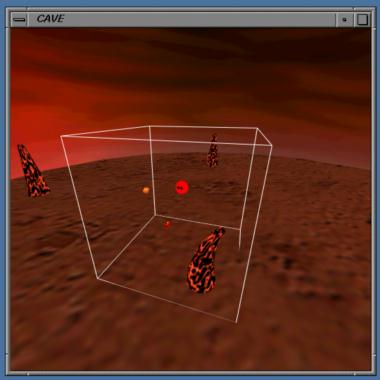
Display
- 3 display modes, selected with '0' / '1' / '2'.
- 0: Wall view (select wall with 'F'/'L'/'R'/'B'/'D')
1: Perspective view
2: Outside view (use numeric keypad to rotate/zoom view)
- Can toggle rendering of different additions:
- T: timing
INSERT: CAVE outline
W: wand
U: user's head
next